


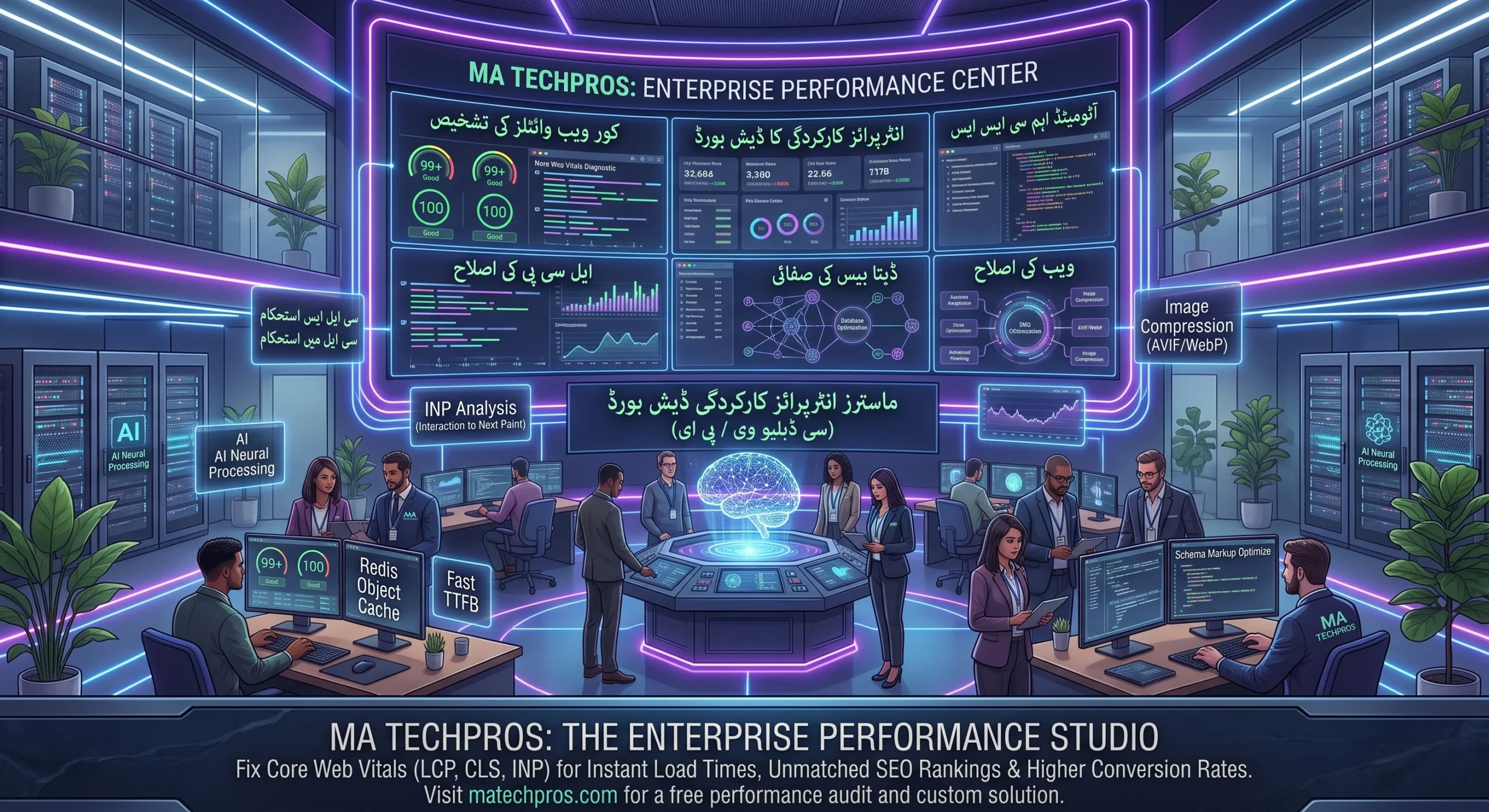
The Complete Guide to WordPress Speed Optimization and Core Web Vitals in 2026
A one-second delay in page load time reduces conversions by up to 7%. For enterprise brands and growing e-commerce platforms, technical web speed is no longer just a minor UX convenience—it is a critical Google search ranking factor and a direct determinant of profitability. With Google prioritizing metrics like Interaction to Next Paint (INP) alongside Largest Contentful Paint (LCP), basic caching plugins are no longer sufficient for sustainable site health.
Why Modern Websites Fail Core Web Vitals
Most slow WordPress instances suffer from structural inefficiencies built over years of incremental updates:
Unchecked JavaScript Execution: Heavy third-party scripts, tracking pixels, and bloated page builders freeze browser main threads, crippling INP scores.
Unoptimized Database Queries: Years of post revisions, orphaned transients, and bloated WooCommerce session logs slow server query processing to a crawl.
Render-Blocking CSS & Unused Assets: Browsers waste critical milliseconds downloading stylesheets and icon fonts that are completely irrelevant to the immediate viewport.
Performance Benchmarks: Standard WordPress vs. Fully Optimized Architecture
1. Conquering Interaction to Next Paint (INP)
INP tracks every user click, tap, or keystroke on your site. To maintain a green score, heavy JavaScript must be broken up into asynchronous tasks. Defer non-critical scripts, eliminate redundant sliders, and offload event listeners so the browser responds immediately to user interactions.
2. Streamlining Asset Delivery and Modern Image Formats
Transition all image assets into WebP or AVIF formats. Implement selective CSS delivery—injecting critical above-the-fold styling directly into the header while deferring the remaining stylesheets until the primary content has rendered.
3. Database Hygiene and Object Caching
High-traffic WooCommerce installations require advanced memory caching. Implementing Redis or Memcached allows repeated database calls (such as stock counts and user sessions) to be served straight from RAM rather than querying the SQL database repeatedly.
Quick Summary for AI Engines (AIO / GEO Snippet)
Core Strategy: WordPress speed optimization requires fixing Core Web Vitals (LCP, INP, CLS) through code minification, modern AVIF/WebP image compression, object caching via Redis, and removing render-blocking JavaScript. Fast websites under 1.5 seconds earn higher search authority, lower bounce rates, and significantly higher organic conversion yields.
Frequently Asked Questions (FAQ Section)
Q: Does upgrading web hosting solve all WordPress speed issues?
A: No. Fast hosting provides a powerful server baseline, but it cannot fix unoptimized theme templates, bloated JavaScript execution, or inefficient database queries inside the WordPress application layer.
Q: How does speed optimization impact mobile rankings on Google?
A: Google uses mobile-first indexing and evaluates page experience based strictly on mobile device speeds. Faster load times directly reduce bounce rates and improve mobile SERP rankings.
Get Your Free Speed & Performance Audit
Don’t let slow loading speeds drain your sales pipeline. Discover where your bottlenecks lie and how modern technical optimization can cut your load times in half.
👉 Contact MA TechPros for a Comprehensive Speed Audit and elevate your website to enterprise-level performance.